Skip to content
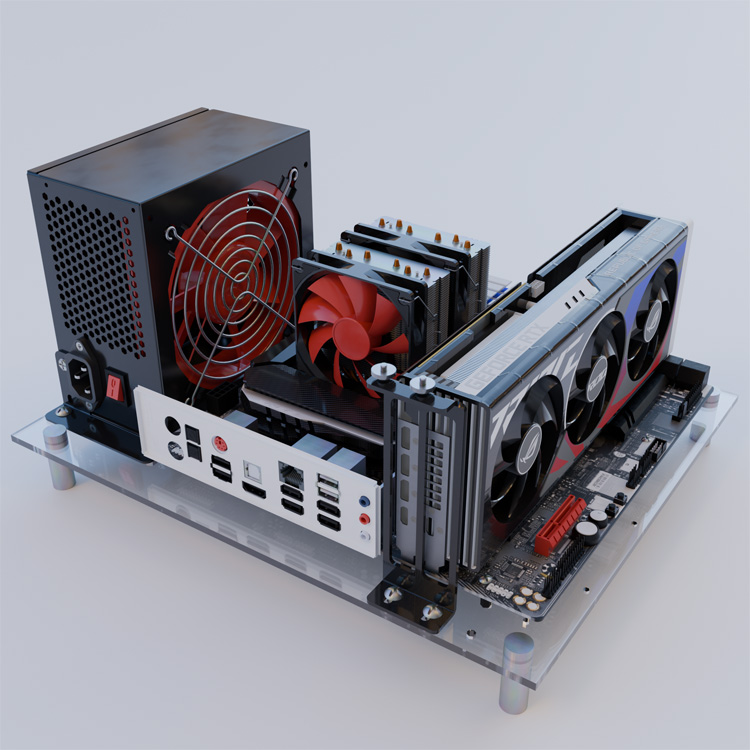
Installation Reference
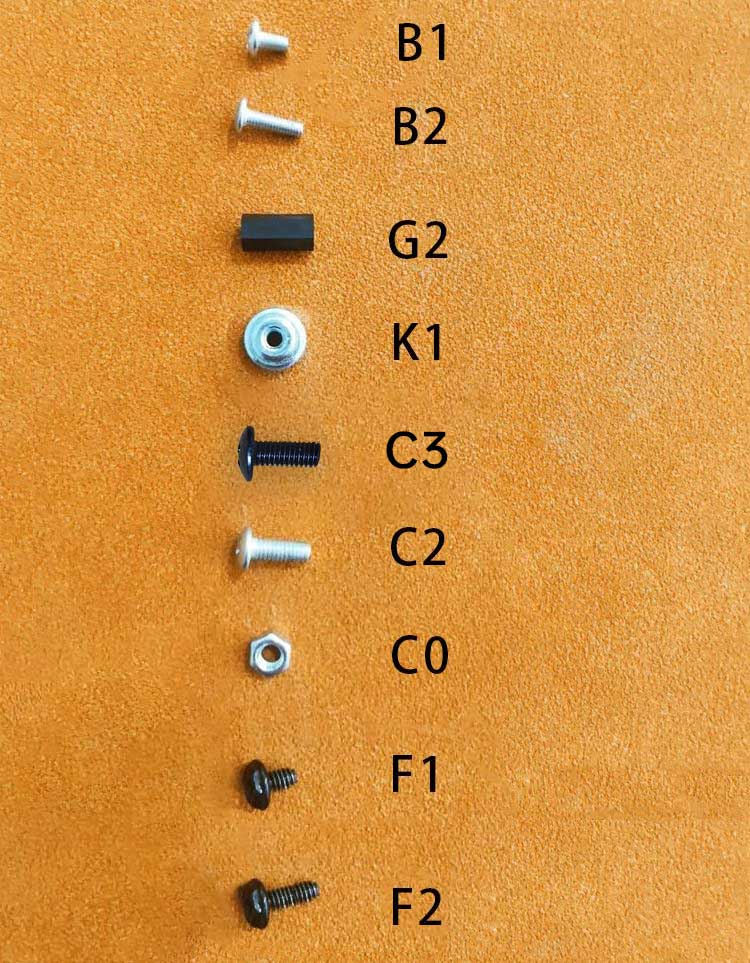
C2 is thicker than B2
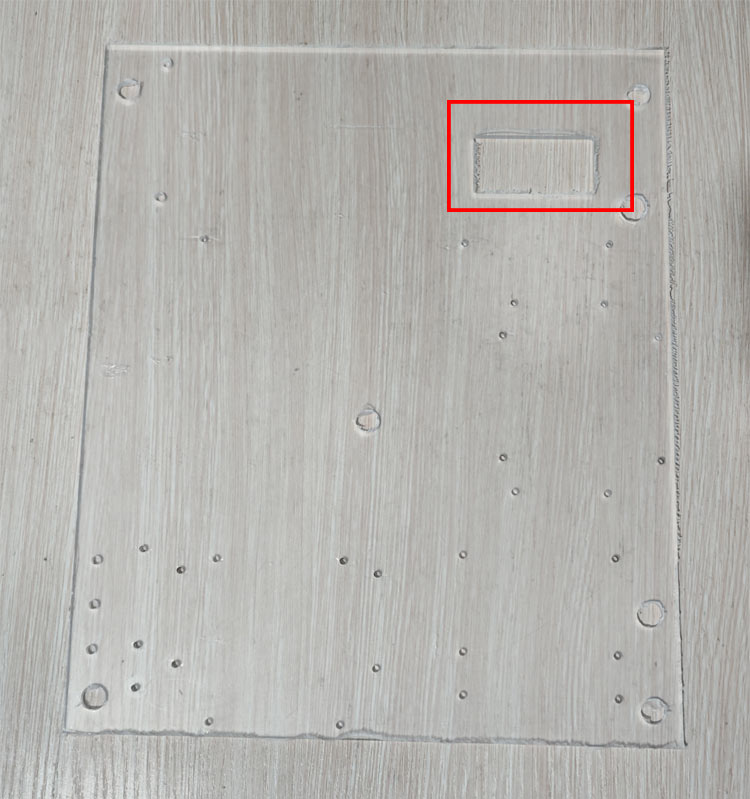
Place as shown
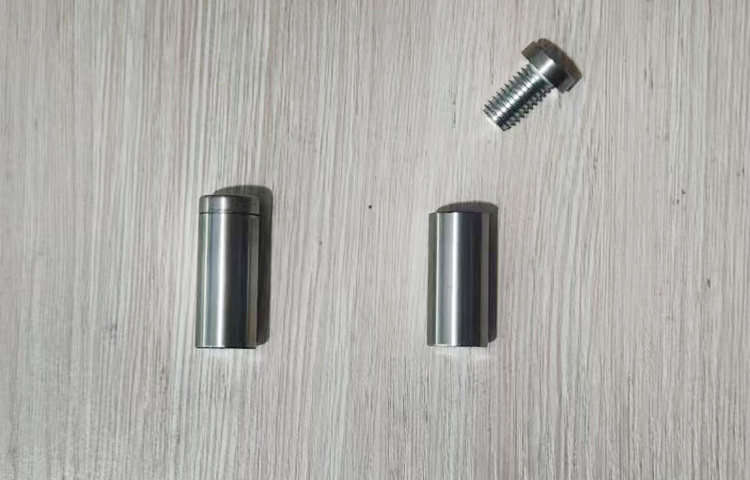
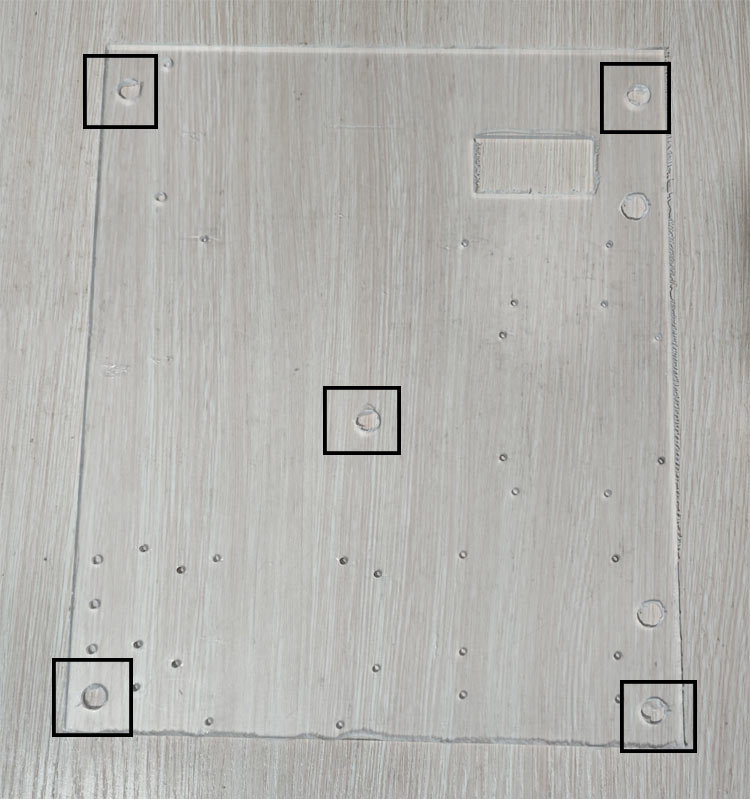
Leg pillar installation position
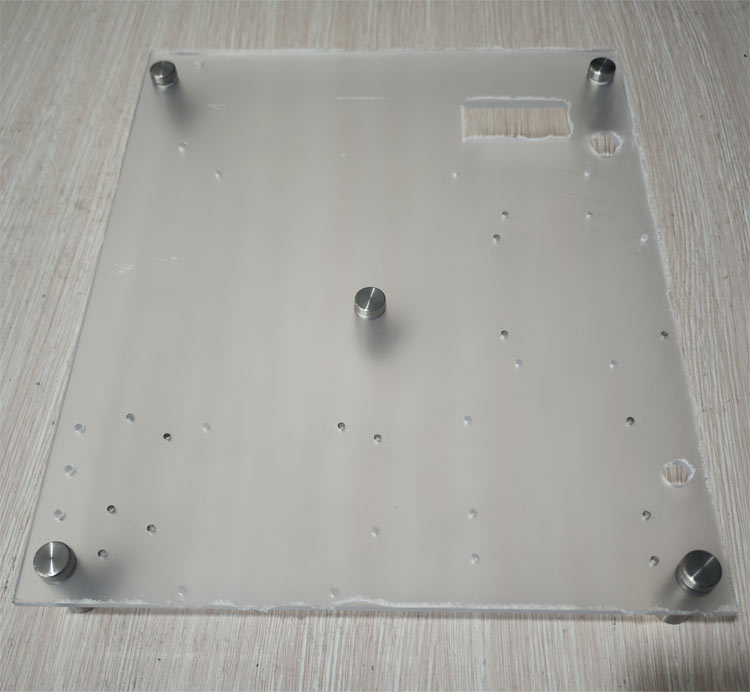
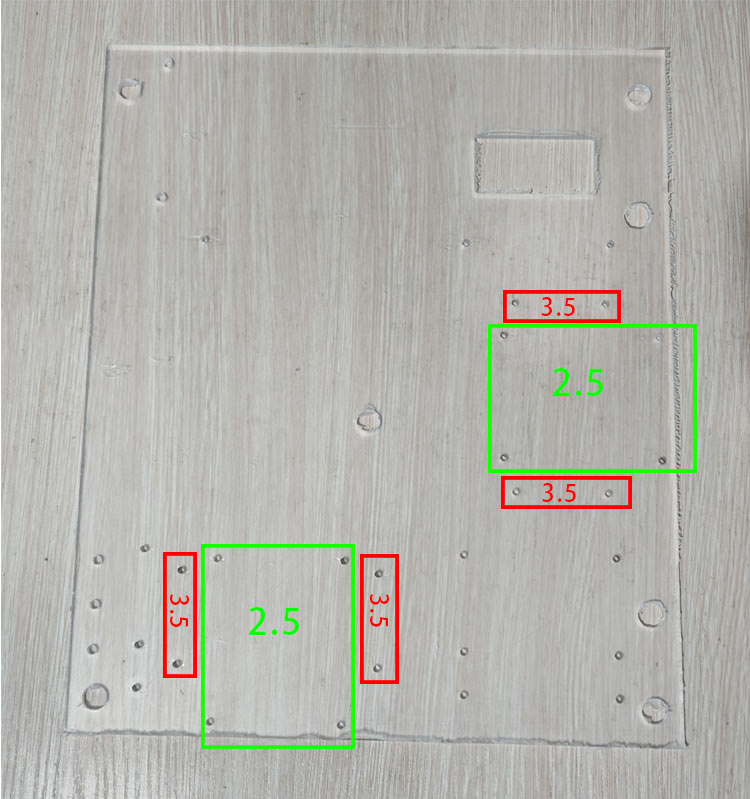
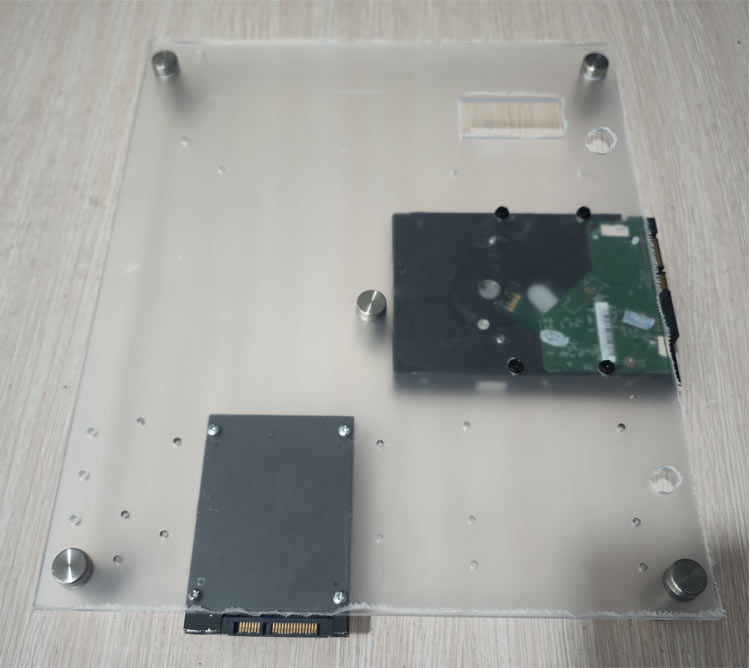
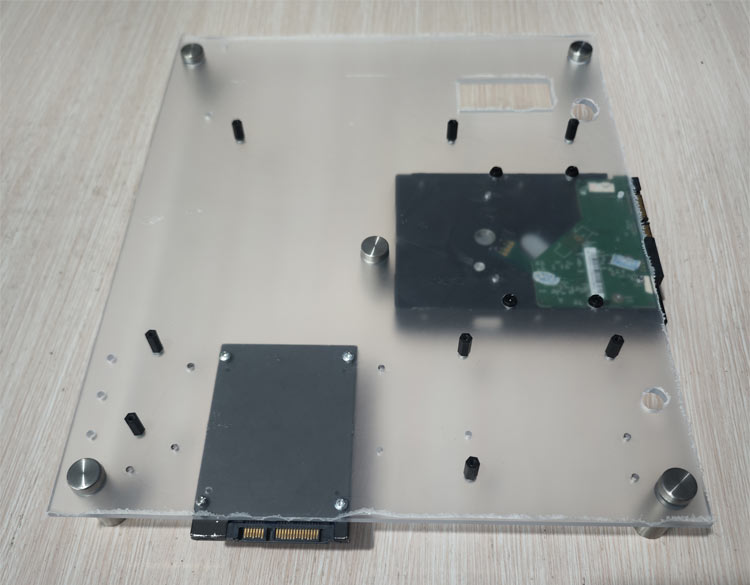
Note: Install the hard drive first, then install the motherboard
Red: 3.5-inch HDD Green: 2.5-inch HDD

Use F2 to fix 3.5-inch HDD, use B2 to fix 2.5-inch HDD
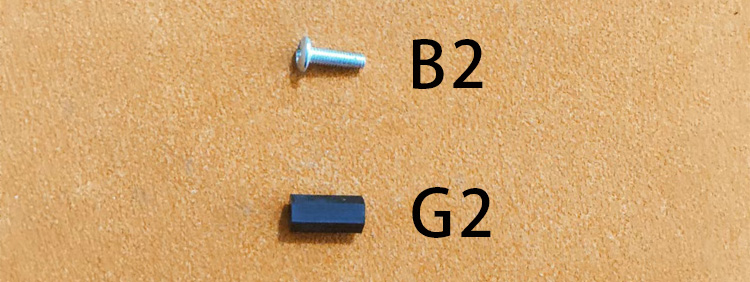
Install standoffs, mounting holes depend on your motherboard
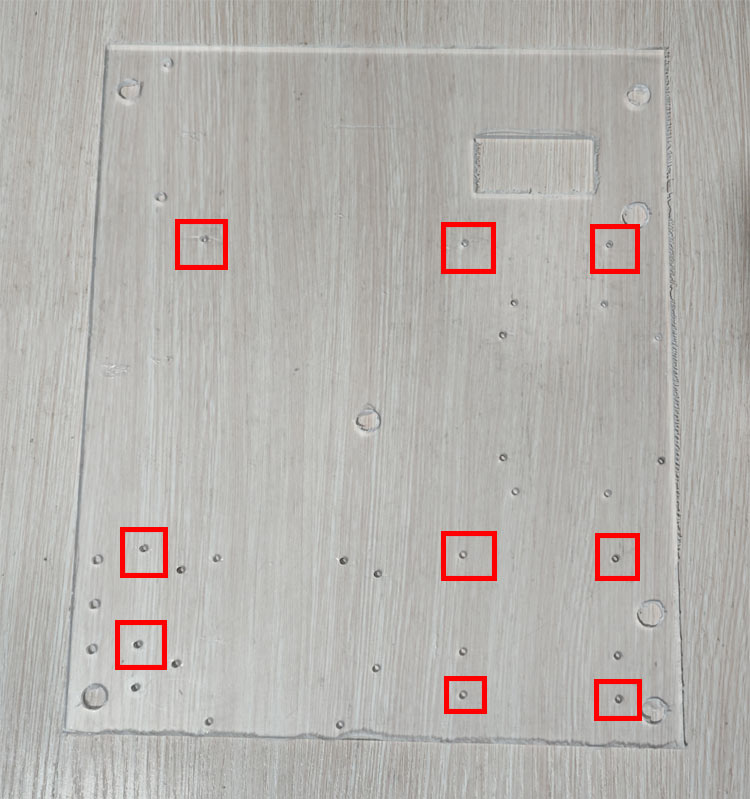
MATX motherboard holes (for reference only)
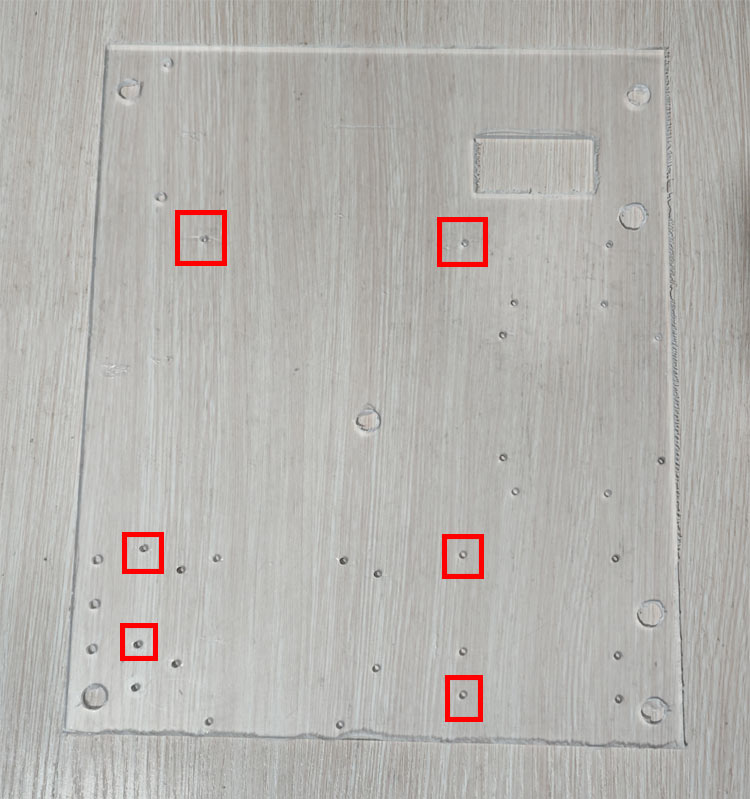
MATX narrow motherboard holes (for reference only)
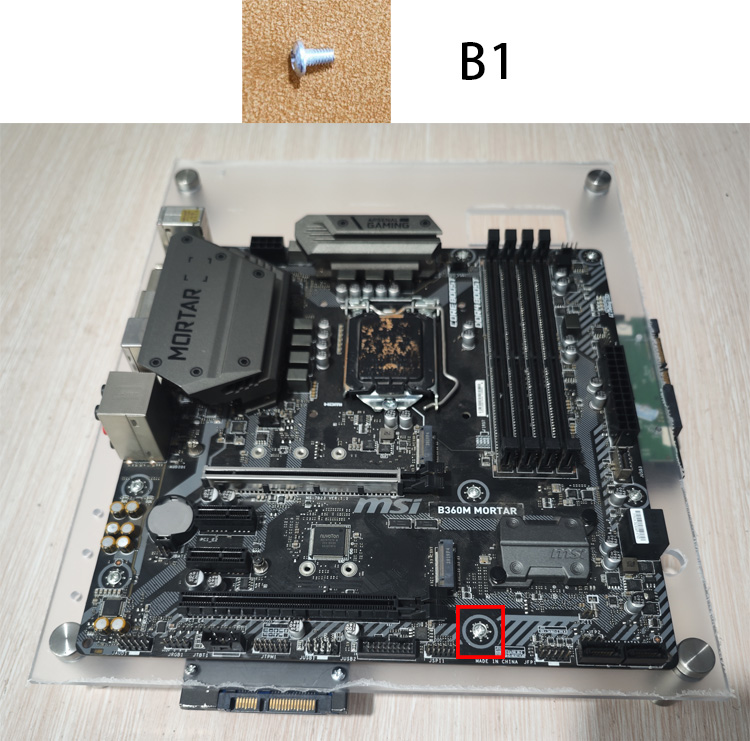
Use B1 to secure the motherboard
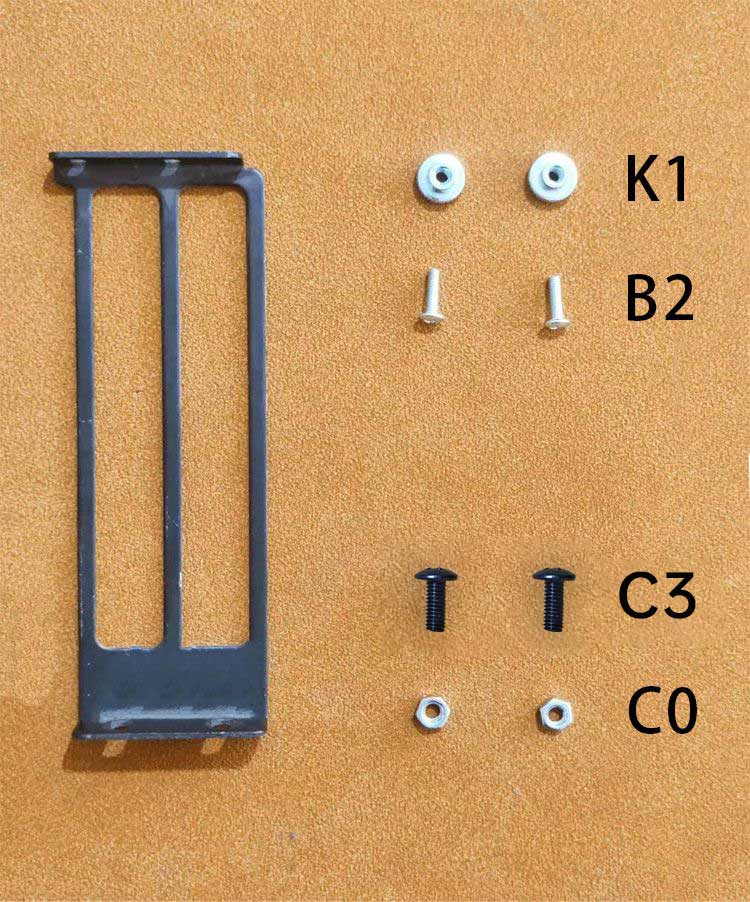
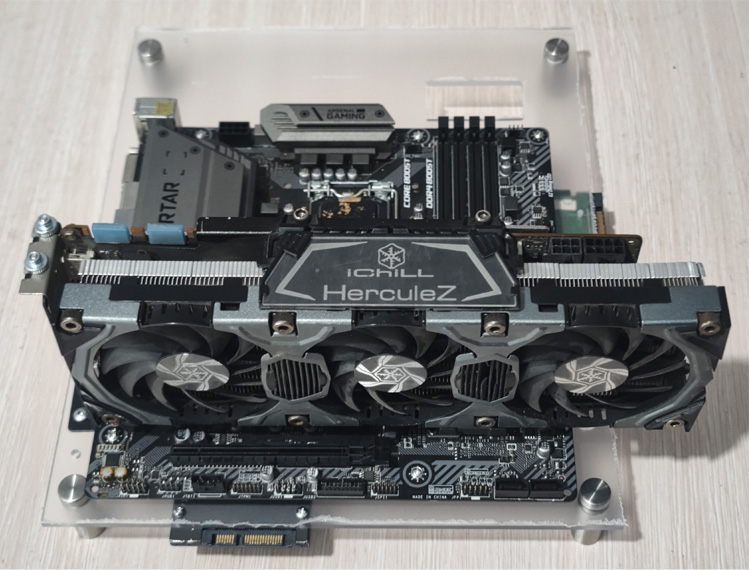
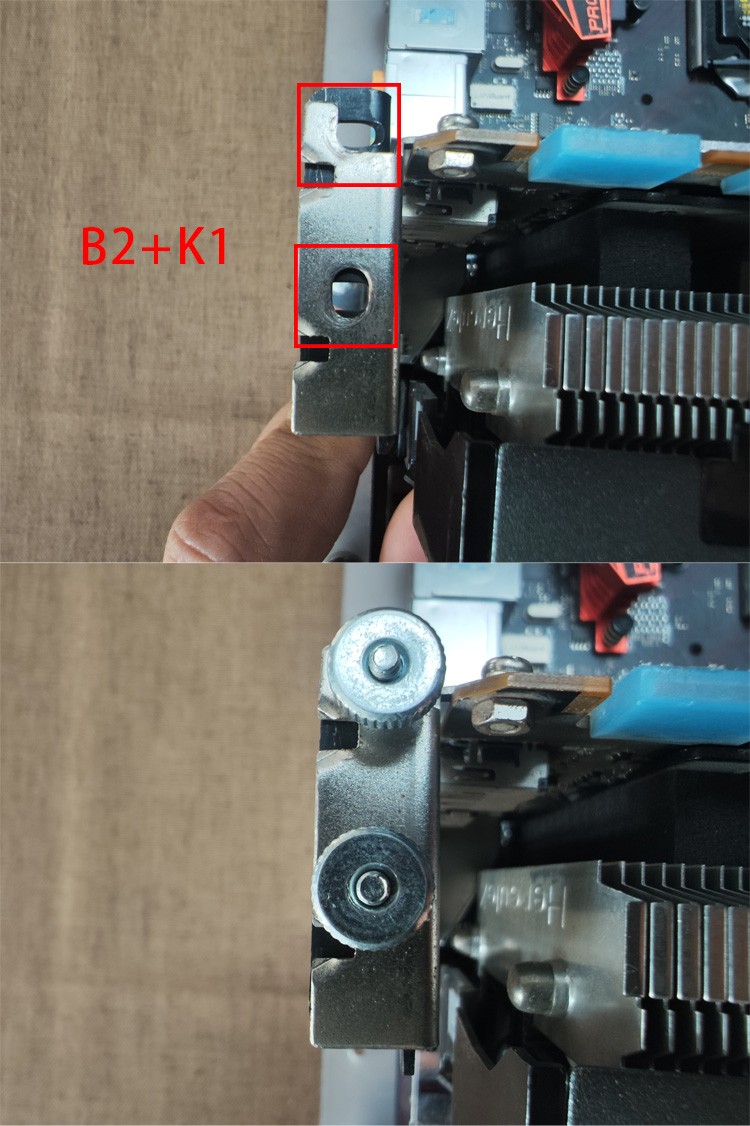
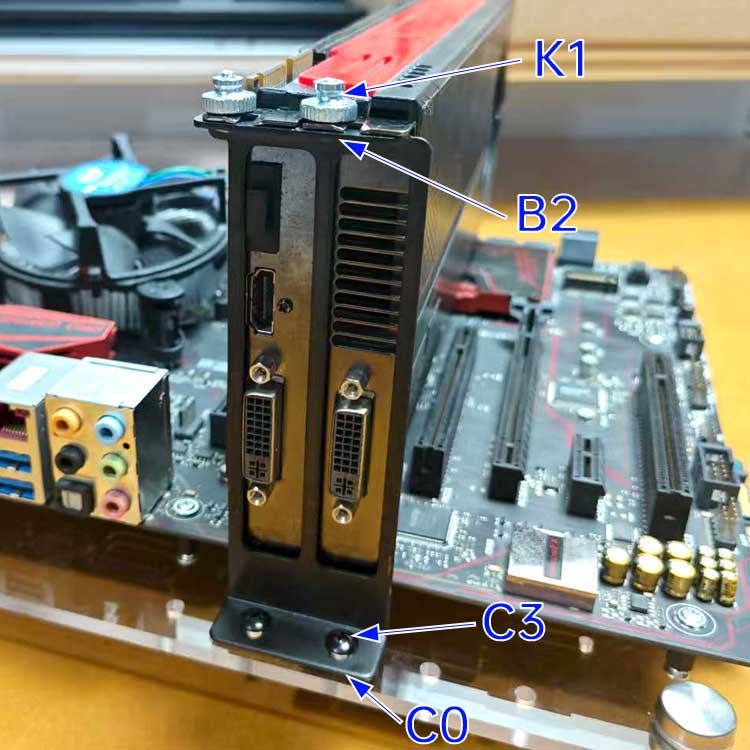
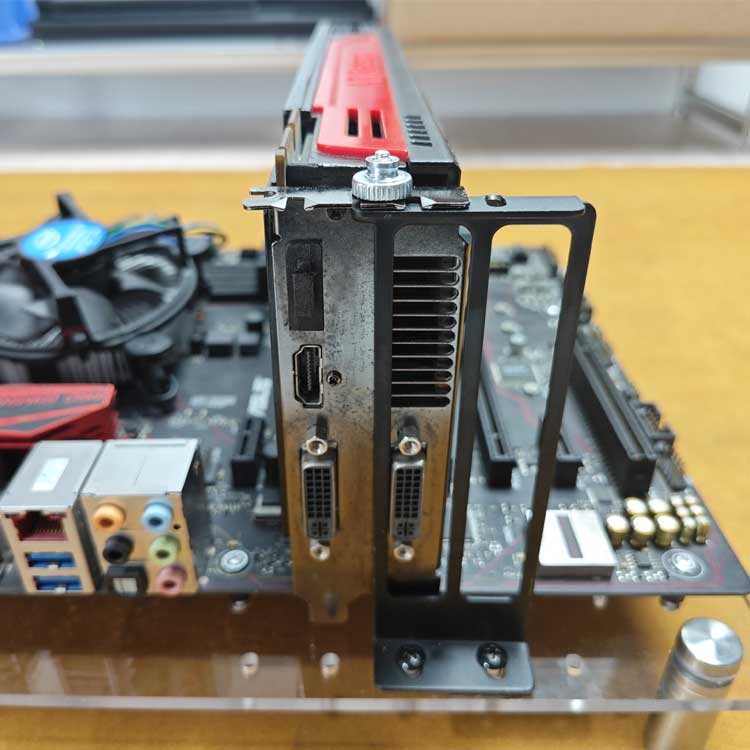
If the PCIE bracket blocks the video output port, you can offset it to free the port
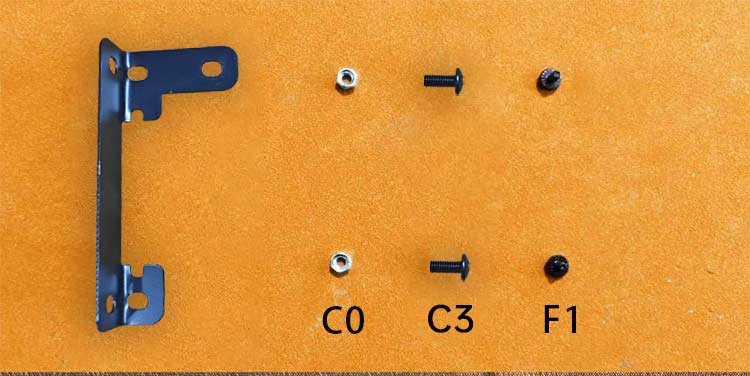
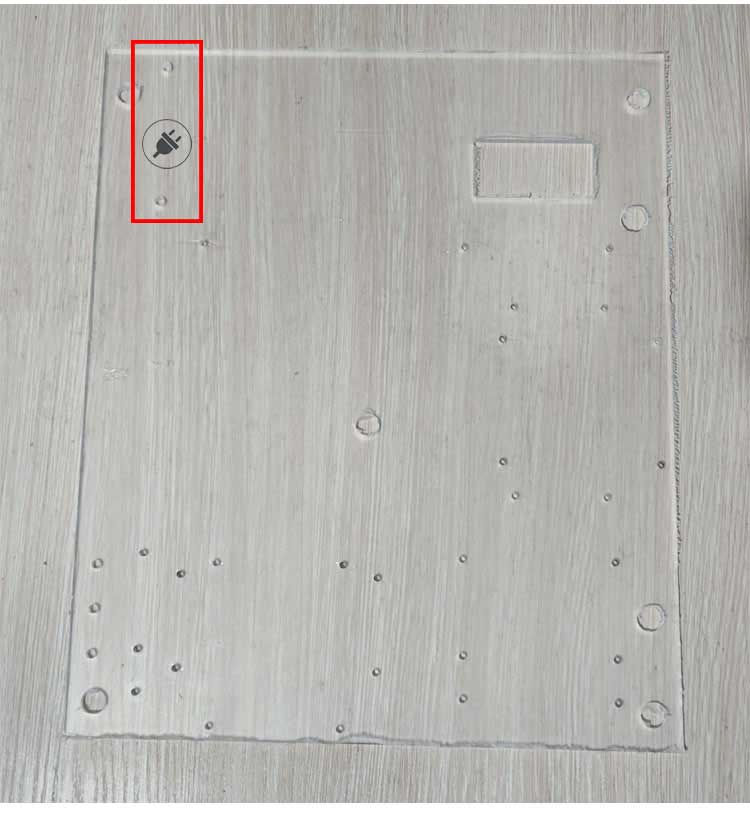
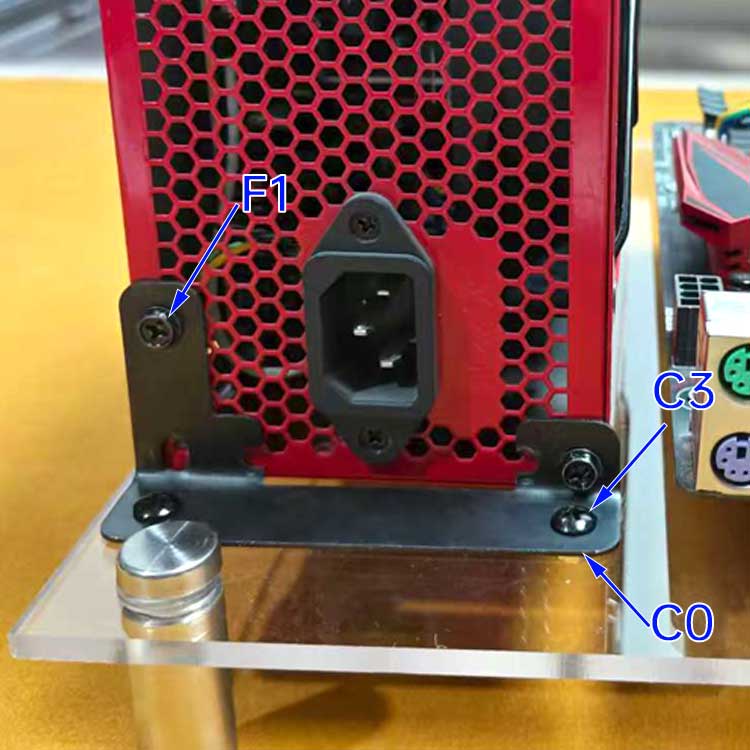
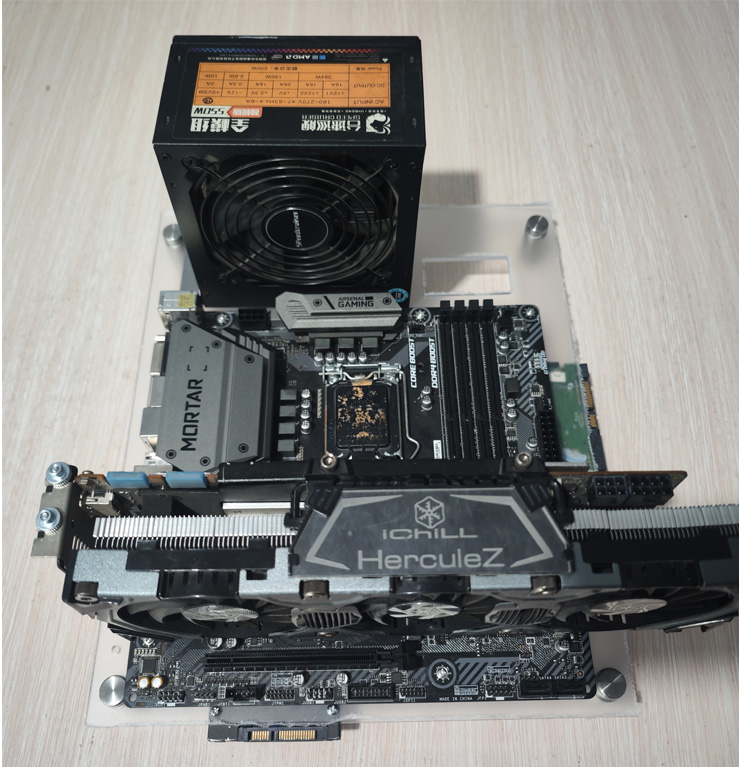
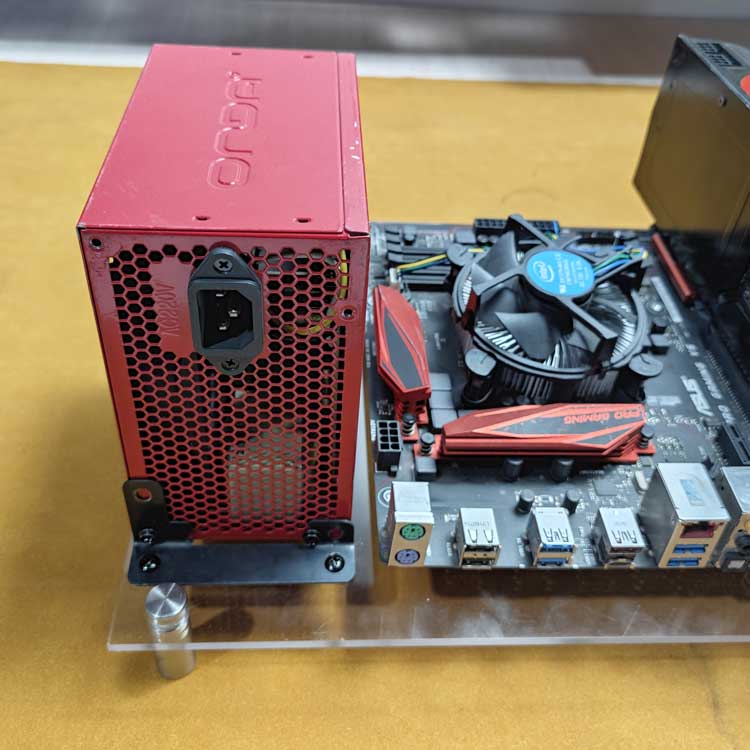
If the ports conflict, you can install it the other way around